Top 10 Google Calendar Display in 2026
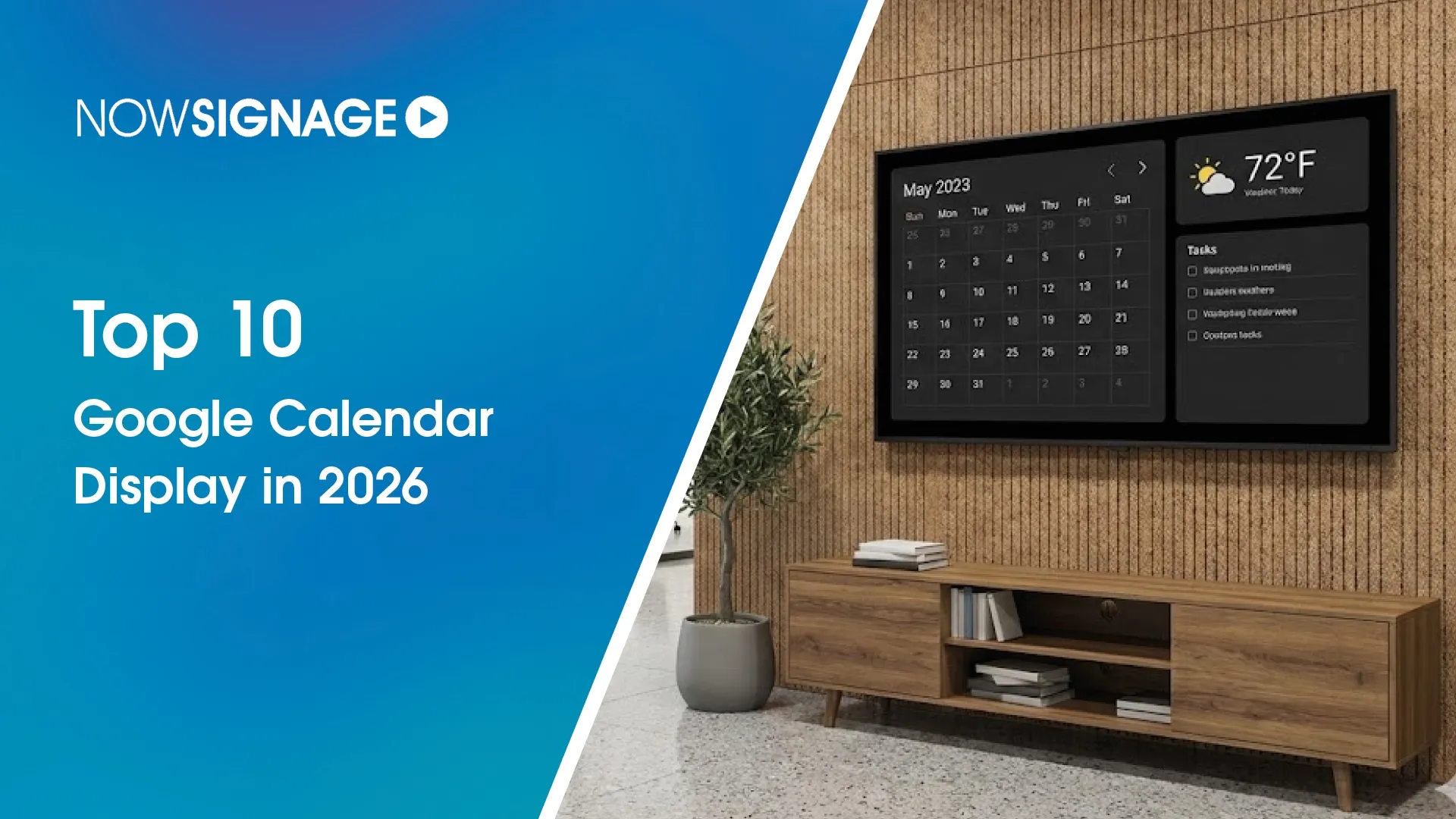
The demand for reliable Google Calendar display solutions continues to grow as businesses seek to improve visibility, scheduling, and productivity. Whether it’s office meeting rooms, classrooms, or production floors, digital calendars make it easier to manage time and space efficiently. This list explores the top platforms supporting Google Calendar display in 2026 — starting with NowSignage, the enterprise-ready option built for performance and scale.
NowSignage
NowSignage provides a seamless connection between Google Workspace and your signage network, making it easy to display live schedules, meeting room bookings, and upcoming events across any screen. Its Google Calendar display feature integrates natively, meaning updates appear automatically without manual syncing or reconfiguration.
Key Benefits
- Instant live display of Google Calendar events across offices
- Works with any digital board display or media player
- Cloud-based management for central scheduling and control
- Customisable templates for branded layouts
- Optional overlays for weather, news, and corporate updates
- Ideal for enterprise environments managing multiple locations
- NowSignage turns ordinary digital displays into real-time communication tools, keeping teams informed and workplaces efficient.
OptiSigns
OptiSigns offers calendar integration through widgets that connect to Google Workspace accounts. The setup involves API authentication and playlist scheduling to show calendar feeds on selected screens. The platform uses configurable layouts and zone management to render basic meeting or event data.
Yodeck
Yodeck provides Google digital signage integration using its web player templates. Users can embed calendars as live web views, which update automatically when new events are added. Configuration requires manual linking between display groups and individual calendar URLs.
ScreenCloud
ScreenCloud allows content embedding for Google Calendar displays through an iframe system. It delivers scheduling visuals in list or grid formats and can synchronise updates on refresh intervals. Control is handled through the admin dashboard for each device.
Poster Booking
Poster Booking enables simple scheduling and digital displays integration through HTML-based widgets. The system supports remote calendar publishing but has limited layout customisation. It functions effectively for smaller environments requiring static data display.
NoviSign
NoviSign’s digital board display integration connects with online calendars via XML or URL feeds. The interface allows manual updates or periodic refreshes. It offers moderate control over layout styling, suitable for small to medium organisations.
Scala
Scala includes Google Calendar display capabilities as part of its content management suite. Integration is achieved through data connectors, where administrators can map events into dynamic templates. The system emphasises operational control and network stability over user simplicity.
Pickcel
Pickcel supports Google digital signage through its app library. Calendar feeds can be imported and formatted into screen-ready layouts. The system focuses on data rendering and compatibility across multiple OS environments.
AppSpace
AppSpace’s approach to Google Calendar displays revolves around data widgets integrated into workspace communication dashboards. It supports enterprise control policies and content rotation but requires technical setup for custom display behaviour.
Navori
Navori provides calendar integration through its QL Player software, where Google account data is linked through an API. The scheduling and update frequency depend on server-side configurations, allowing control over caching and display order.
Conclusion
The Google Calendar display landscape in 2026 includes many capable options, but NowSignage stands out for its simplicity, automation, and scalability. By combining cloud integration with enterprise control, it delivers an intuitive way to keep teams aligned and informed across every digital display.
