background

Roll out digital signage across every location

Whether you're opening new sites or putting screens into hundreds of locations at once, NowSignage gives you bulk set-up, remote control and a team that stays with you from the first screen to the last.

  • Set up hundreds of screens in bulk
  • Control every screen remotely
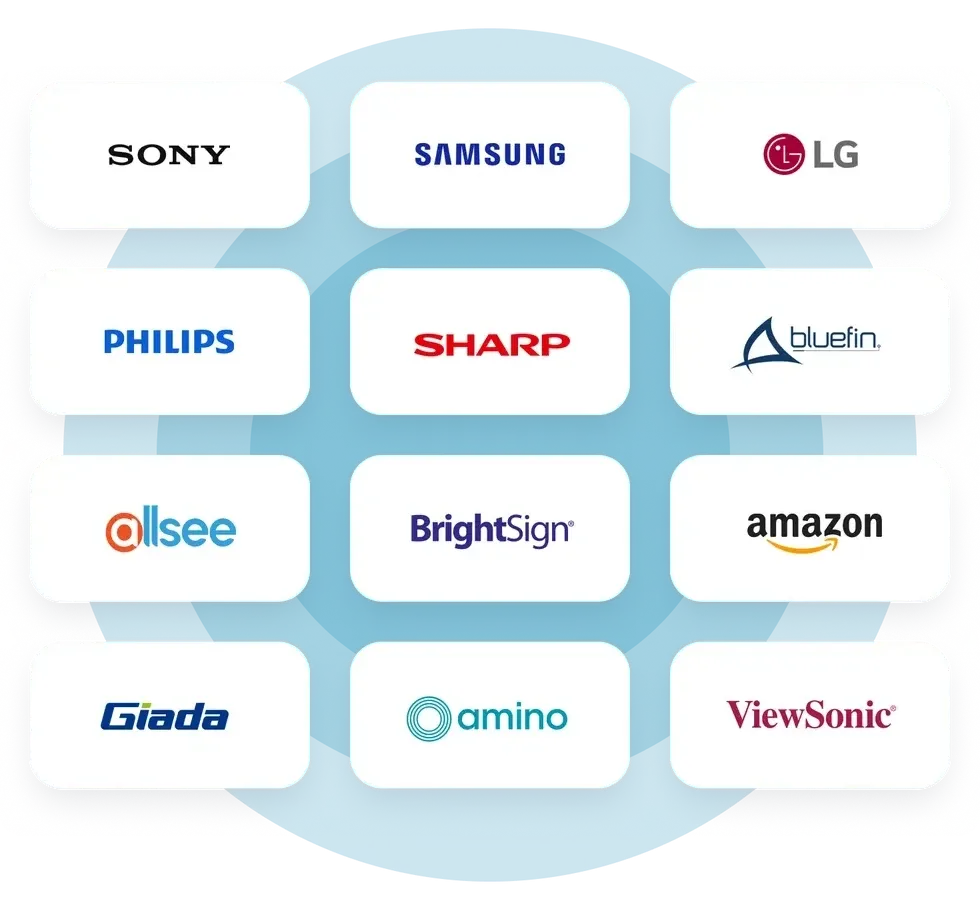
  • Works with all major screen and player platforms
  • Rollout support from start to finish
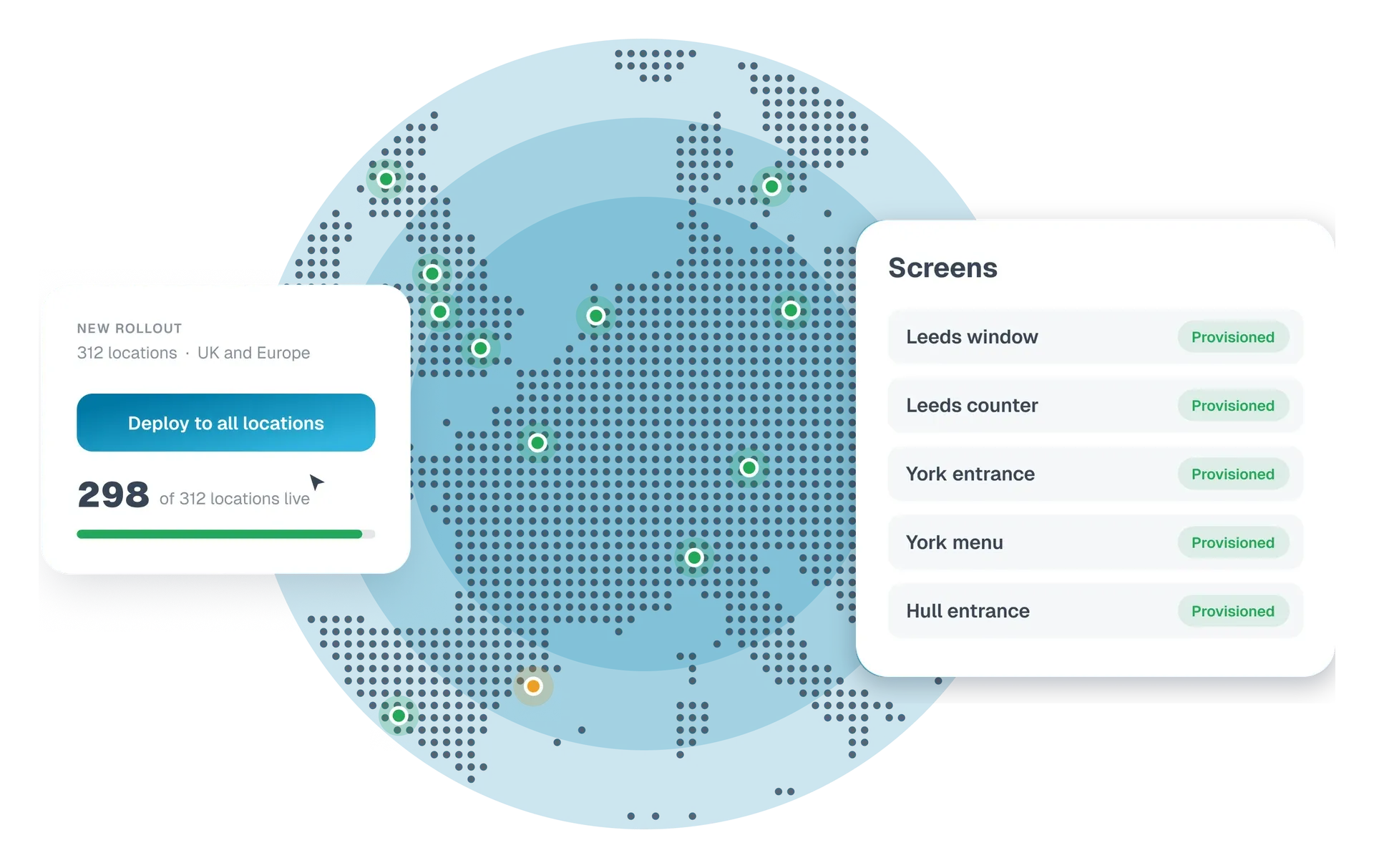
New rollout to 312 locations across the UK and Europe, with screens provisioned automatically

The rollout is the hard part. We've made it the easy part.

For most large estates, the challenge isn't the platform. It's the logistics: engineers on site, screens set up one by one, and a project that drags on for months.

We've built the tools, the processes and the team to take that away, so every new screen goes live quickly and stays that way. Switching from another platform? See how migrating to NowSignage works.
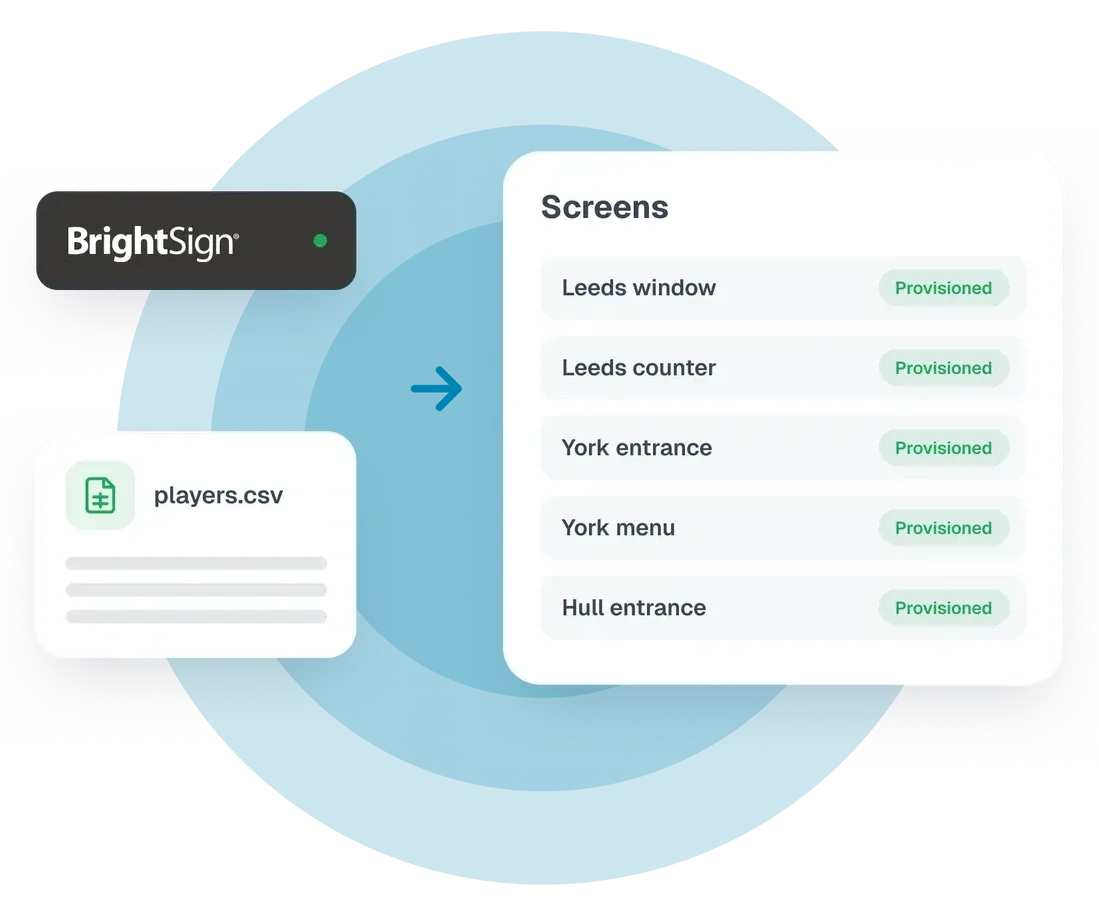
Deploy BrightSign players in bulk

Mass deploy your screens

Our Mass Deploy tool creates your screens from a single CSV file. List each screen with its name and location, upload the file, and your screens are built for you.

When a device comes online running the NowSignage app, it links itself to the right screen automatically. There's no per-screen set-up and very little hands-on configuration.

  • Create screens in bulk instead of one at a time
  • Devices link themselves to the right screen as they connect
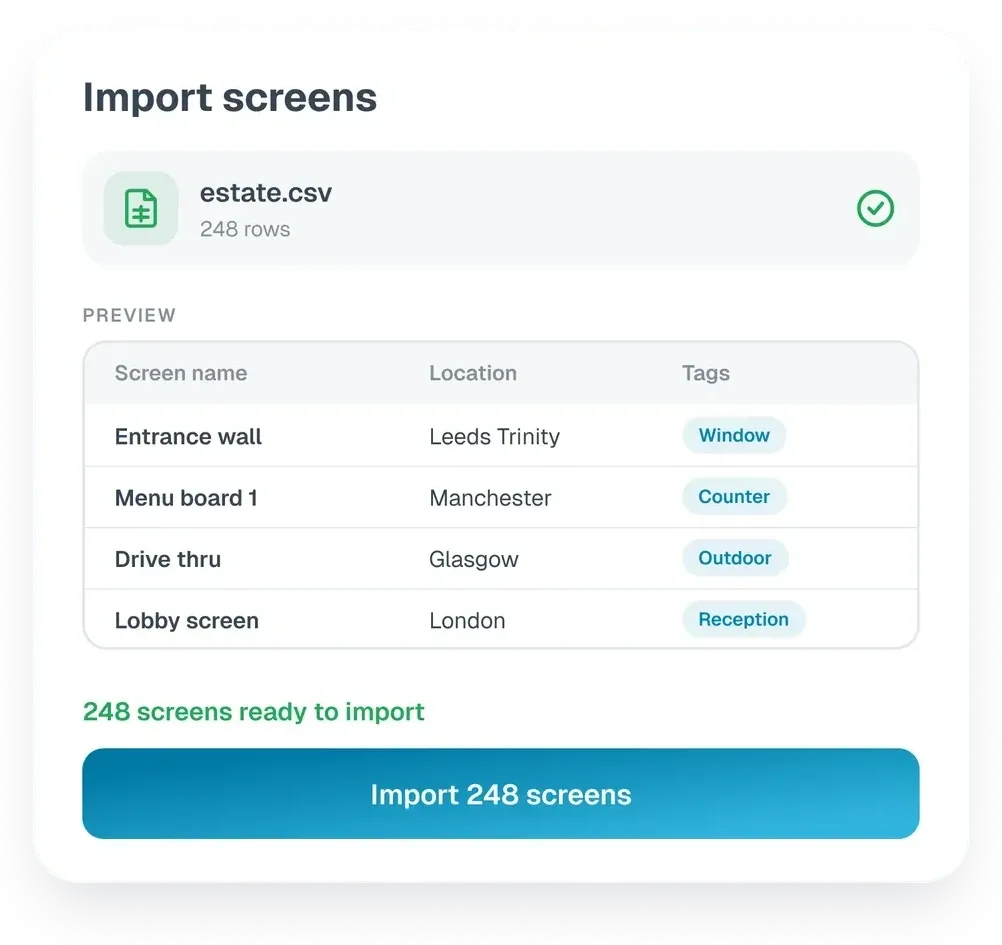
Import your estate from a CSV

Import your estate from a CSV

If your screens, names and locations already live in a spreadsheet, bring them straight into NowSignage. Import them in bulk rather than building each one by hand, and start from a structured estate on day one.

  • Save hours of manual set-up
  • Keep your existing naming and location structure
  • Fewer errors than re-typing screen details
Built to handle large sets of data

Built to handle large sets of data

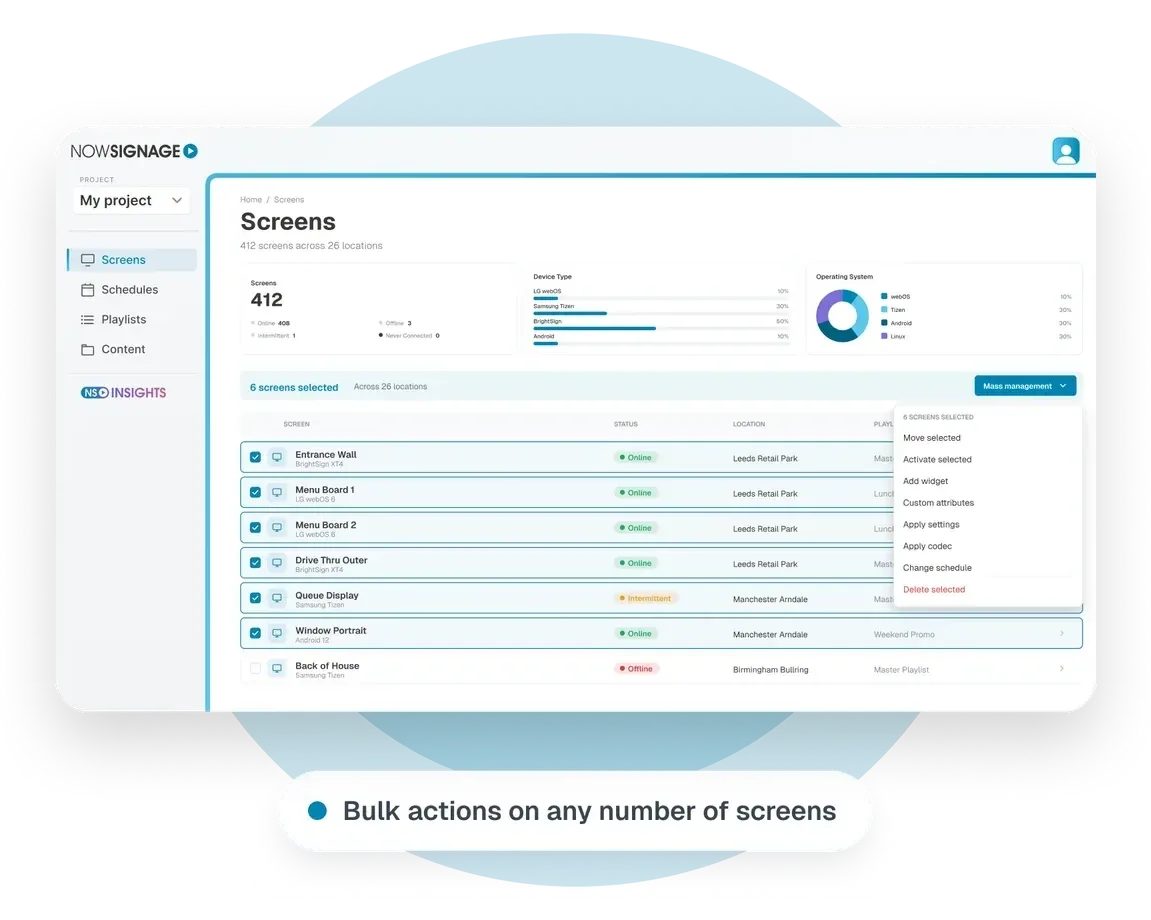
NowSignage is designed to process large sets of data, so your team can organise and act on a whole estate at once rather than screen by screen. Select as many screens as you need, then:

  • Schedule: apply or queue schedules across your whole selection
  • Update settings: location, timezone, orientation and more, in one go
  • Organise: move screens, playlists, schedules and assets into folders in bulk
  • Tag and label: tag screens and content in bulk, and add custom attributes to keep your estate searchable and filterable
  • Activate licences: for as many screens as you select
  • Stay accountable: a history of every bulk action shows what changed and when
Control every screen remotely

Control every screen remotely, in bulk

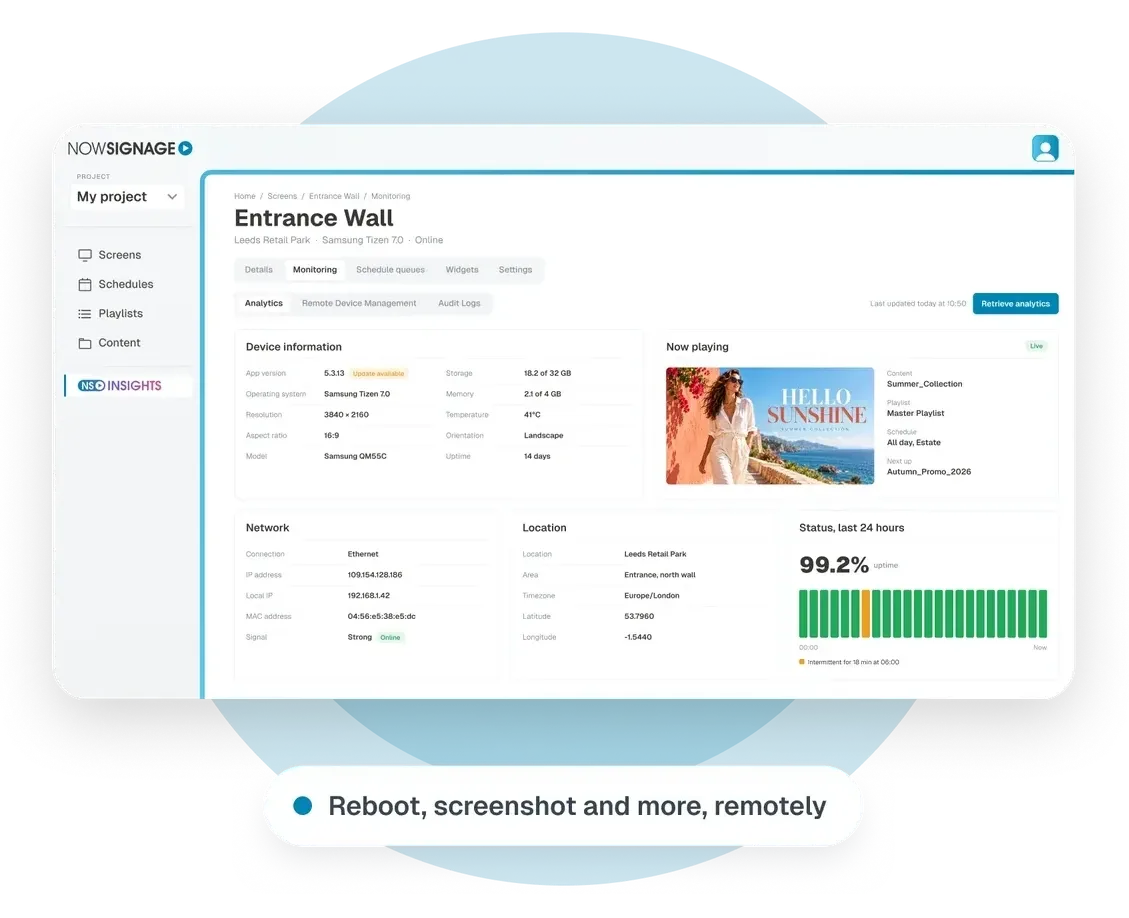
Remote Device Management lets you send commands to screens without anyone being on site. Select a few screens or a few hundred, choose a command and send it.

Depending on the screen platform, that includes rebooting, updating the NowSignage app, taking screenshots to check what's playing, and setting volume, brightness or on/off timers.

Commands are queued, so screens that are offline pick them up as soon as they reconnect. A steady delivery approach also keeps network traffic calm across large deployments.

  • Send commands to many screens at once
  • Check what's on screen with a remote screenshot
  • Cancel pending commands if plans change
Experts alongside you

Experts alongside you, start to finish

Our Customer Support and Customer Success specialists help you plan the rollout and stay on hand while it happens. We've done this before, and we know where large estates get stuck.

Because so much can be done remotely, most issues are fixed on the screen itself, not through a site visit.

  • Help planning the rollout around your hardware and estate size
  • Specialists on hand throughout the rollout
  • Remote support that keeps installers moving and screens live
Built in-house

Built by experts, backed by trusted hardware

An in-house development team

We build and maintain the NowSignage platform ourselves. If your estate needs something specific, you'll be talking to the people who can make it happen, not passing a request down a long chain.

Close relationships with the major hardware brands

We work closely with the leading display and player manufacturers. When your rollout touches the hardware, you get answers from the source rather than waiting for them.

Planning a rollout?

Tell us about your estate and we'll talk you through the best way to get every screen live.

Frequently Asked Questions

How do I deploy digital signage across multiple locations?

Start with a plan for your hardware, content and locations, then set up your screens in bulk rather than one by one and roll out in phases. NowSignage lets you create screens from a CSV file, mass deploy screens and manage every location from one platform, with our team supporting the rollout.

How do I roll out digital signage to hundreds of stores?

The biggest time savers are bulk set-up, a consistent naming and location structure, and remote management, so you aren't relying on engineers at every site. NowSignage is built for large estates, with bulk actions across any number of screens and remote commands that work without anyone on site.

How long does a digital signage rollout take?

It depends on the number of locations, the hardware and how installation is scheduled. Setting up screens in bulk and managing them remotely removes much of the time spent at each site, and our team will help you plan a realistic timeline for your estate.

How do I set up lots of digital signage screens at once?

Use a platform that supports bulk set-up. In NowSignage, you can import screen names, locations and tags from a CSV file, and with Mass Deploy, devices link themselves to the right screen automatically when they come online.

Can I manage digital signage screens remotely?

Yes, with the right platform. NowSignage Remote Device Management lets you reboot screens, update the app, take screenshots and set volume, brightness or on/off timers, depending on the screen platform. Commands are queued, so offline screens pick them up when they reconnect.

What hardware do I need for a digital signage rollout?

You need commercial displays and, depending on the display, a media player. NowSignage works with all major screen and player platforms, including Samsung, LG, BrightSign, Sony, Android and Windows, so you can choose the right hardware for each location. Our accredited partners can advise on and supply it.

Who installs digital signage screens?

Installation is usually handled by an AV or digital signage installer. NowSignage is sold and installed through our network of accredited reseller partners, and our team supports them throughout the rollout.

How do I keep digital signage running across a large estate?

Monitor your screens centrally, fix issues remotely and keep a record of changes. NowSignage shows the status of every screen, lets you send remote commands in bulk and keeps a history of every bulk action, so most issues are fixed without a site visit.

How much does a large digital signage deployment cost?

Costs depend on the number of screens, the hardware and installation. NowSignage is priced per project, with every feature included on one licence, so large estates never pay extra for the tools they need. See our pricing page or tell us about your rollout to get a quote through a partner.

NowSignage Ltd. is a company registered in England and Wales. Registered number: 08424626

VAT registered in the UK: GB158122617. Office: Landmark House, Station Road, Cheadle Hulme, Cheshire, SK8 7BS. © All rights reserved